


Set your country and language

Select to continue
Select to continue
Cancel

How would you like to complete your order?

Quickly checkout as a guest. You will have the chance to create an account later.

Checkout as guest
Or
Login
This is not a valid email address
Forget your password?

Unlock your device bootloader.

Install the operating system of your choice on your Fairphone and join a community that truly makes technology their own.
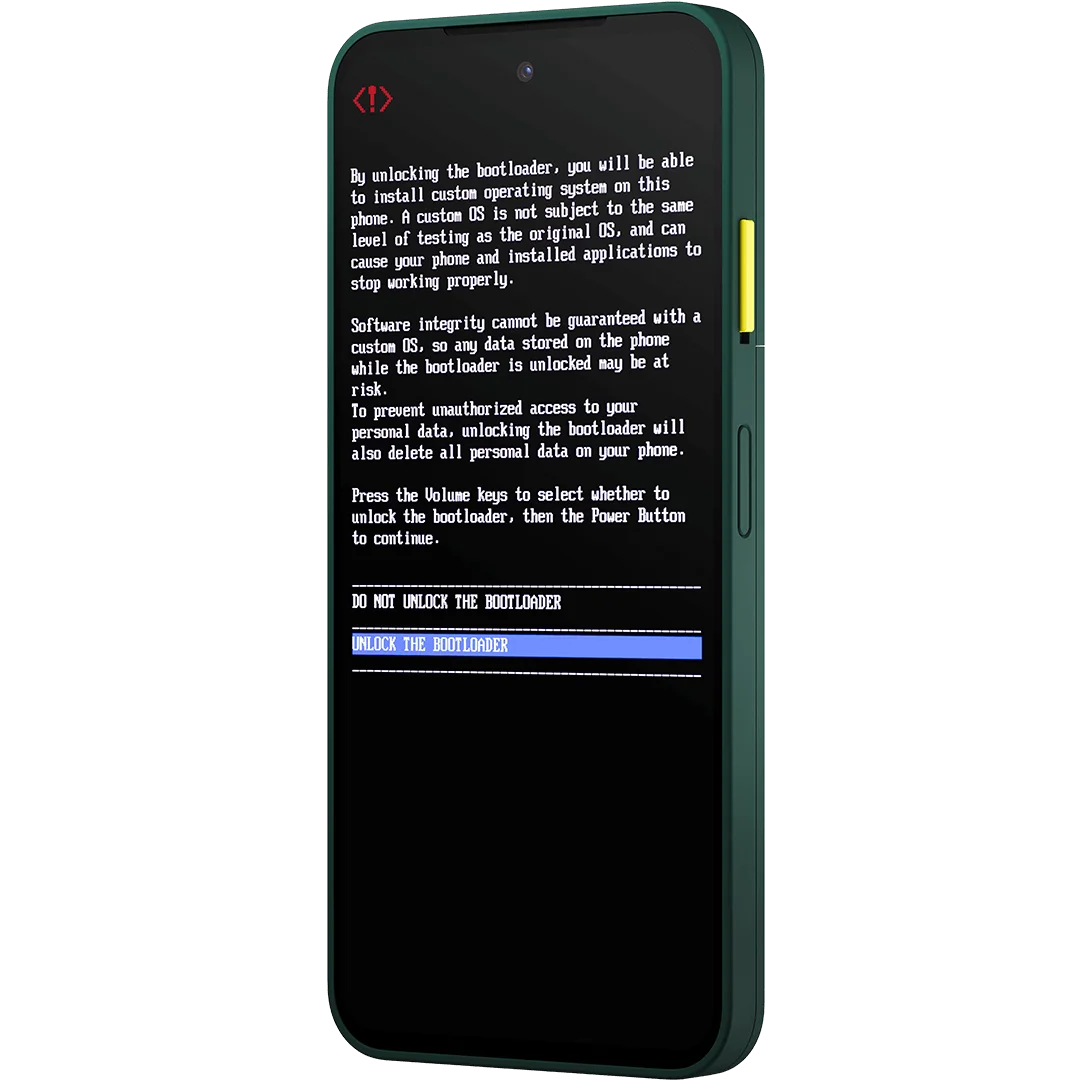
How does this help me? What are the risks?

Unlock the bootloader

1

Go to the Settings app on the phone in the section "About Phone"

2

Tap on the Build number seven times to enable Developer Options

3

Toggle Bootloader Unlocking in Developer options

4

Wait for the verification

Looking for IMEI and serial numbers?

Select your device to see the instructions or see the step-by-step guide in our support article.
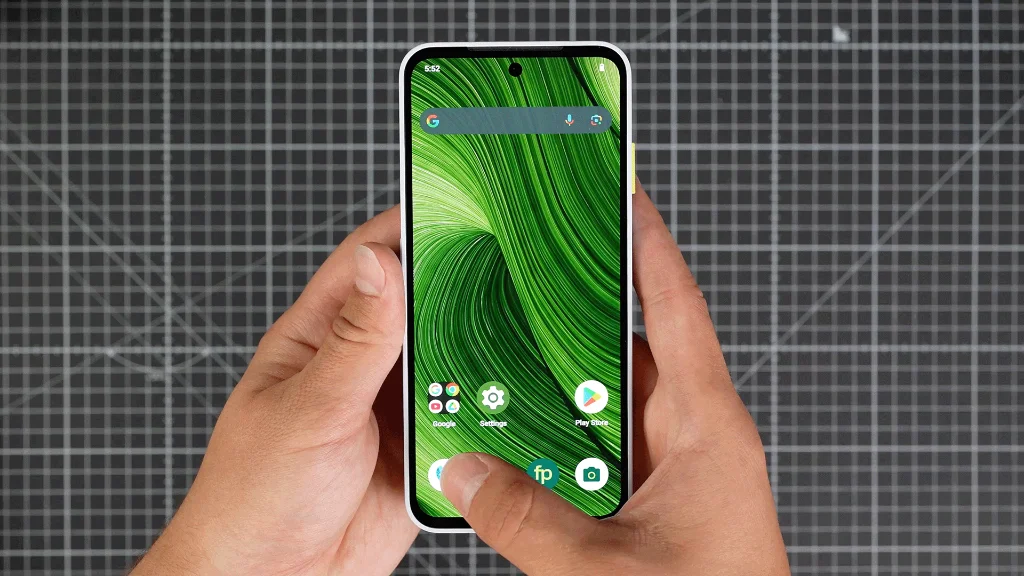
Option 1: Using the phone app

  • Dial *#06#* in the Phone app
  • A pop-up will display the IMEI 1 and serial numbers

Option 2: In the settings menu

  • → Go to Settings → About phone → scroll down to IMEI (SIM slot 1)
  • → Go to Settings → About Phone → Scroll down to Model → Serial Number

Frequently asked questions

Will unlocking the bootloader void my product warranty?

Unlocking the bootloader itself generally does not automatically void the warranty for hardware defects.

However, Fairphone can only guarantee support for devices running the official Fairphone OS. If you experience an issue while running a third-party operating system (Custom ROM), you may be required to revert the device back to the official Fairphone OS with a locked bootloader to determine if the fault is hardware-related.

If the issue is clearly mechanical and unrelated to the software (e.g., a defective component), the warranty should still apply.

My bootloader is locked, and the phone doesn't start, or is bricked. What are my next steps?

If your device is unable to boot into the operating system and the bootloader is locked, this is typically caused by a failed flash, or an attempt to lock the bootloader with an incorrect (possibly, older) software image. This can trigger the phone's anti-rollback protection.

What to do:

  1. If you can still access Fastboot Mode, check the OEM unlocking status (e.g., using fastboot flashing get_unlock_ability). If it shows 1 (enabled), you might be able to manually unlock the bootloader again to attempt recovery using a factory image.
  2. If the device is completely hard-bricked, or if OEM unlocking is disabled (get_unlock_ability returns 0), self-recovery is usually not possible due to security restrictions.

In cases where you cannot recover the device yourself, you will need to contact Fairphone Customer Support for assistance, as the phone may need to be sent in for repairs.

My phone is stuck in Fastboot mode. How do I exit or recover?

Being stuck in Fastboot mode is often a sign of a failed installation or an issue with the boot sequence.

Recovery Steps (for unlocked bootloaders):

  1. Try simple commands first, such as selecting the alternate boot slot (fastboot --set-active=b) and then rebooting (fastboot reboot).
  2. If the bootloader is unlocked, you can usually try to manually re-flash the official Fairphone OS or the custom OS you intended to install using Fastboot commands. Fairphone provides official guides for manual installation of its operating system. Visit How to manually install Android on your Fairphone to learn more.

If the problem persists after attempting a manual re-flash, or if you are unsure of the next command, contact Fairphone Customer Support for guidance, as incorrect commands can lead to the device being fully bricked.

I am having trouble getting/using my unlock code (IMEI/serial number). What should I do?

The unlock code is generated uniquely for your device's IMEI and Serial Number. If the code is not working, it's typically due to an input error, or a technical glitch:

  1. Check for Typos: Carefully double-check that you have entered the correct IMEI and Serial Number into the code generator. Be wary of similar characters (e.g., '0' and 'O').
  2. Verify Codes: If you have requested multiple codes, ensure you are using the most recently generated code, as older codes are invalidated when a new one is requested.
  3. Connectivity: Ensure your phone is connected to the internet (via Wi-Fi or mobile data) and running the latest Fairphone OS update when attempting to enter the code in the Developer Options.

If you have verified the IMEI, serial number, and connectivity, but the form fails to generate a code/ the code you received still fails, contact Fairphone Customer Support for troubleshooting and potential manual code verification.

How do I unlock and re-lock the bootloader using Fastboot mode commands?

The process of unlocking and re-locking your bootloader is covered in detail in our official support article, which includes all necessary prerequisite steps and the exact Fastboot commands. Please follow the comprehensive, step-by-step instructions provided here.